


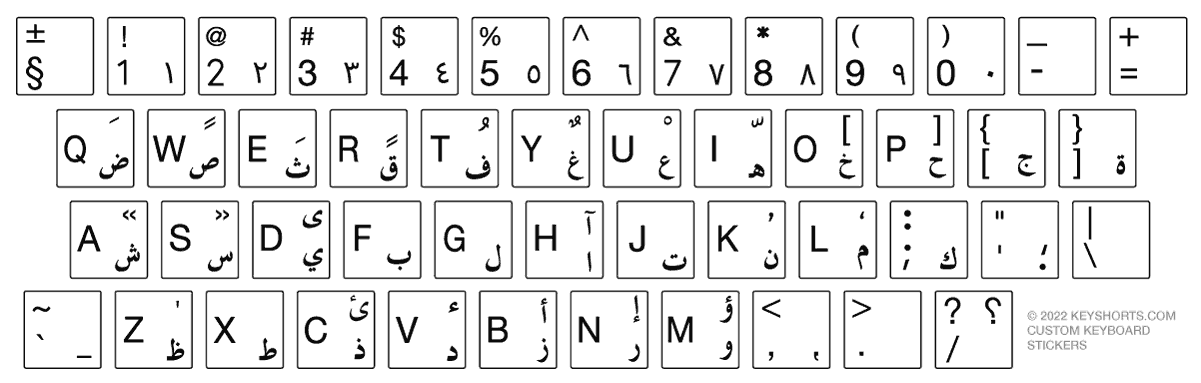

Add Arabic on Windows 11
Start → Settings → Time & language → Language & region
- 1
Add Arabic if needed
Under Preferred languages, choose Add a language, search for Arabic, and install it.
- 2
Open Language options
Select the menu next to Arabic, then choose Language options.
- 3
Add the layout
Under Keyboards, select Add a keyboard and choose the Arabic layout you need.
- 4
Switch while typing
Press Windows + Space to move between installed keyboard layouts.


