Home Language guides French keyboard

French Keyboard Guide 🇫🇷

French keyboard layout, accents and symbols

See the French layout for Mac or Windows, type French characters online, copy accents in one click, or convert your physical keyboard to French.

✓ Free online keyboard ✓ Mac and Windows layouts ✓ One-click symbol copying

Visual reference

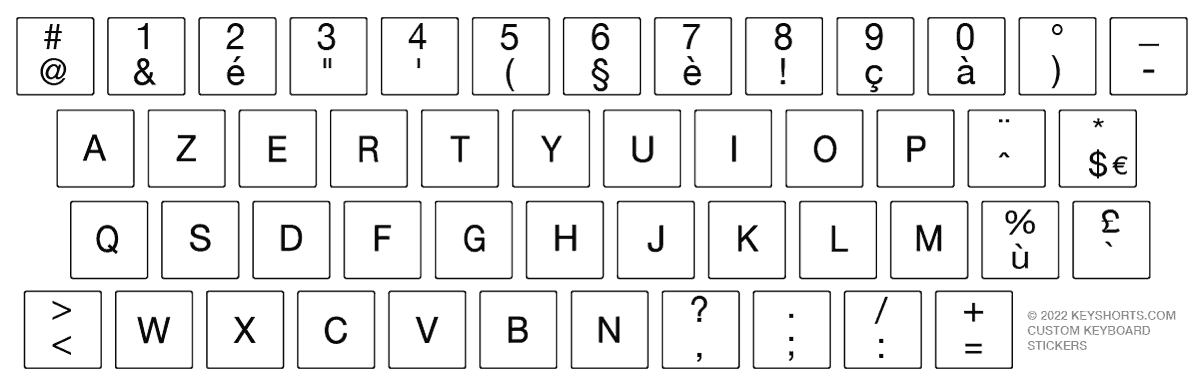
French keyboard layout

Choose your operating system. Mac and Windows may use a different key legends around the keyboard.

French keyboard layout on Mac

French layout for macOS.

Add on Mac

Immediate task completion

Type French online or copy special characters

Use the text box for a sentence, or copy a single symbol directly from the table.

Free French online keyboard

French accents and special symbols

Every symbol has a dedicated one-click copy button.

Symbol Copy
é
è
à
ç
ù
œ
É
« »
ê
ë
â
î
ï
ô
û
ü
Ç

System layout instructions

How to add a French keyboard layout

Select your device to see only the instructions you need.

Add French on Windows 11

Start → Settings → Time & language → Language & region
  1. 1
    Add French if needed

    Under Preferred languages, choose Add a language, search for French, and install it.

  2. 2
    Open Language options

    Select the menu next to French, then choose Language options.

  3. 3
    Add the layout

    Under Keyboards, select Add a keyboard and choose the French layout you need.

  4. 4
    Switch while typing

    Press Windows + Space to move between installed keyboard layouts.
Choose the right solution

How often do you type in French?

Choose between immediate copying, a software layout, or visible French legends on the keyboard.

Occasional use

Copy or type online

Best for a few accents, a short message or a form.

  • ✓ No installation
  • ✓ Works on any device
  • ✓ Free and immediate
Use the online keyboard
Regular typing

Add French in settings

Best when you type French often but do not need labels on the physical keys.

  • ✓ Built into your device
  • ✓ Fast layout switching
  • ✓ No physical change
See setup instructions
Best physical solution

Add visible French legends

Best for learning, converting a keyboard, or keeping two languages visible.

Compare French stickers

Common questions

French keyboard FAQ

How to convert my keyboard to French

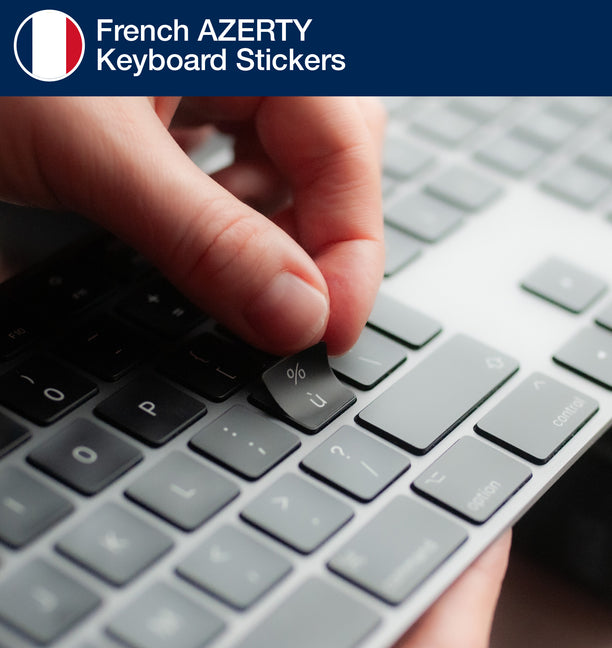
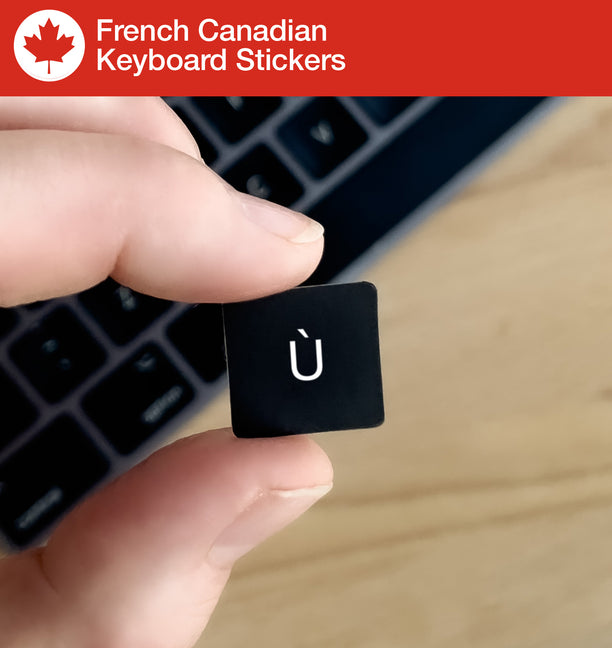
The easiest way to convert your current keyboard language to French is by keyboard stickers. Keyshorts makes highest quality French keyboard stickers that will fit your keyboard. Keyshorts offers opaque/covering stickers that convert/hide your current layout with French. Learn more below.

How to add French letters to my keyboard on a side without losing backlight?

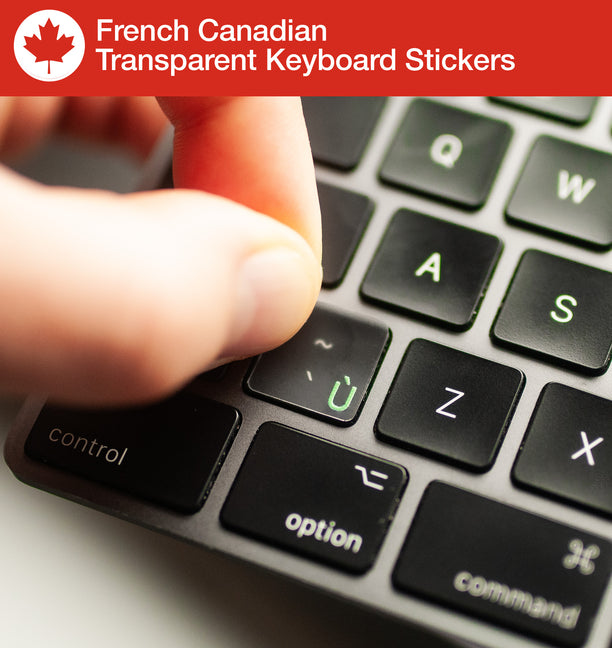
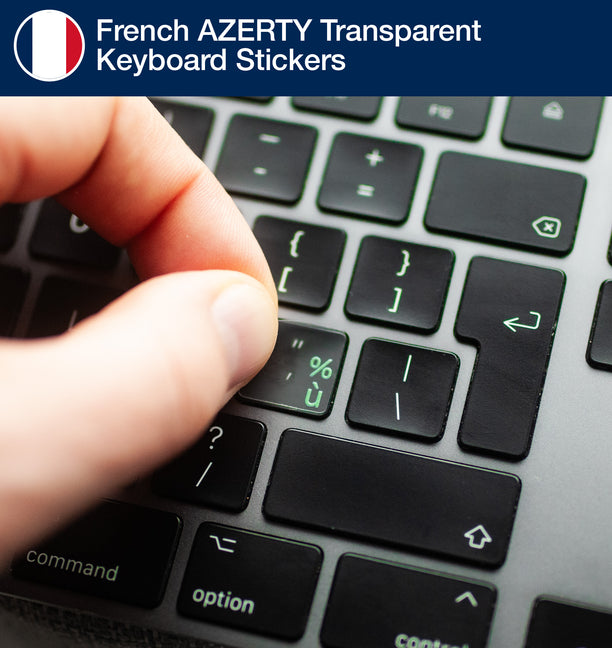
The easiest way to add French to your current keyboard language - without changing it - is by keyboard stickers. Keyshorts makes highest quality French transparent keyboard stickers that will fit your keyboard. French symbols are added in one of key's corners, without clashing with your existing letters. They are also fully backlight compatible. Learn more below.

What is the history of the French keyboard?

The AZERTY keyboard layout was created in France in the late 19th century as a modification of the American QWERTY design. Its name comes from the first six letters on the top row of letters (A-Z-E-R-T-Y). The French government promoted its adoption in the 1890s, when typewriters became widespread, as a way to accommodate French spelling and accents. For example, the layout included dedicated keys for accented vowels such as é and è, as well as the ç character, which are common in French but absent in English. Over time, AZERTY became the official standard used in France and parts of Belgium, distinguishing it from QWERTY keyboards used in most other countries.

Although AZERTY served French typists for decades, it has often been criticized for being inefficient. Many commonly used letters in French, such as “é” or “à,” require key combinations instead of direct access. In 2019, the French standards organization AFNOR introduced a new standardized version of AZERTY to address these issues, making it easier to type accented capital letters and symbols used in modern writing. Another new and improved version of French layout is BÉPO. Despite these reforms, the traditional AZERTY layout remains widely in use in France, making it both a cultural and historical artifact of how language shaped technology.

How to learn French?

One excellent tool is Français Facile, which offers thousands of free courses and exercises across grammar, vocabulary, conjugation, and listening comprehension. For news-based learning, Le français facile avec RFI provides short podcasts tied to current international events, each accompanied by exercises for different levels. You can listen to “Journal en français facile”, read the transcript, and test your understanding via quizzes.

Another resource to try is Coffee Break French They offer bite-sized podcast lessons (around 15–20 minutes) for beginners to advanced learners. Each episode focuses on a useful language point (grammar, vocabulary, phrase use) and you can also access bonus materials, transcripts, and video lessons. 

If you prefer structured video + interactive quizzes, check out TV5MONDE Apprendre le français, which offers multimedia lessons, exercises, and progress tracking for all levels.

Need French visible on your keys?

Compare opaque conversion stickers with transparent, backlight-compatible French labels.

Shop French stickers
French stickers
Copied!